Feature · Accounting sync
Your invoices, in QuickBooks or Xero, without the double entry.
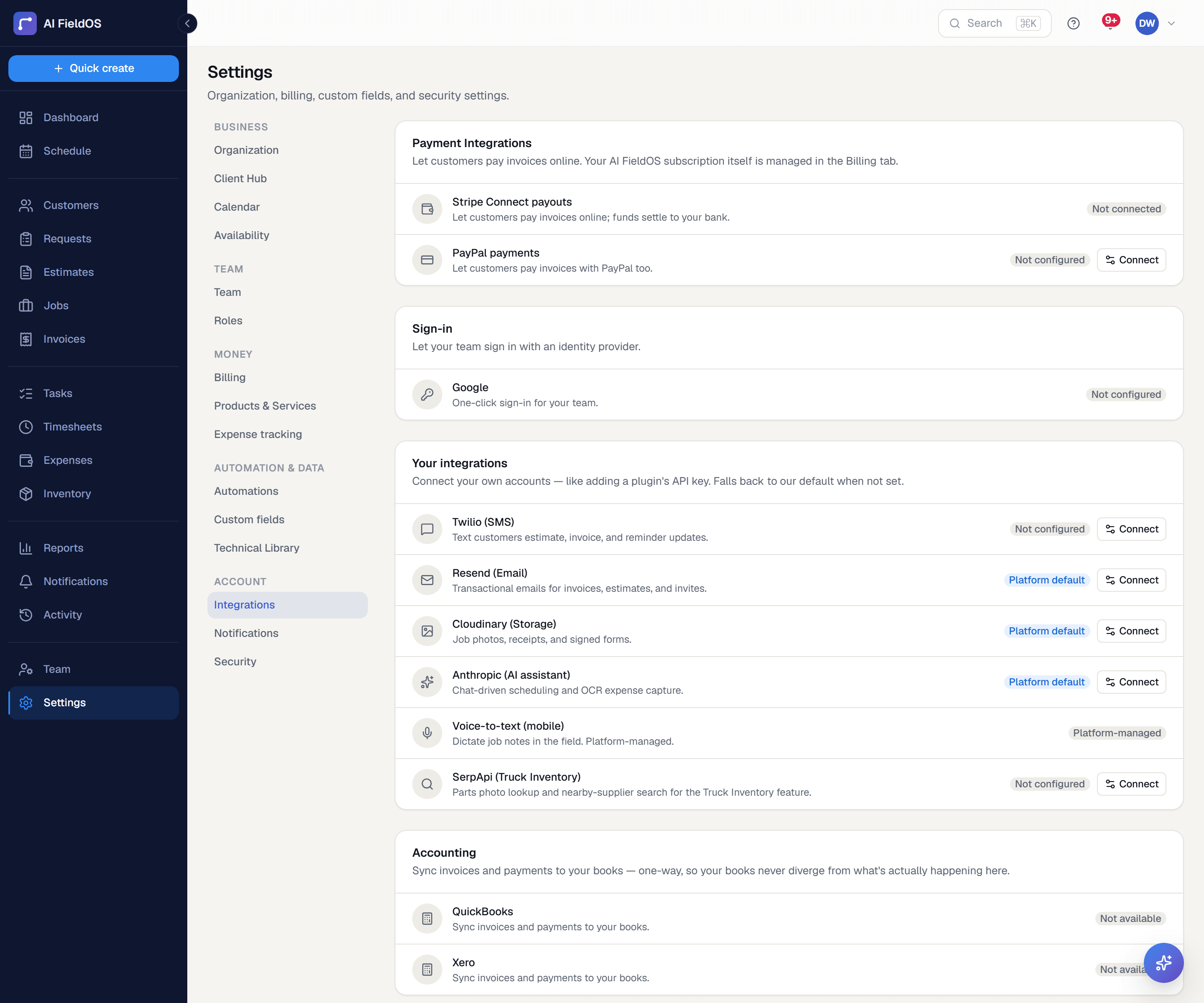
Connect QuickBooks Online or Xero and have invoices and customers flow through automatically — with a per-invoice sync status so you always know what made it across.
What you get from accounting sync
One-way, on purpose
Invoices and customers sync from Gruvik into your accounting system. One direction means there's never a conflict to resolve or a mystery edit arriving from the other side.
Status you can see
The invoices list grows a Books column, and each invoice's detail page shows its own sync state — so a failure is visible on the record rather than buried in a log.
Tokens that refresh themselves
OAuth tokens refresh in the background. You connect once rather than re-authorising every time the connection quietly expires.
Three steps, start to finish
Connect QuickBooks Online or Xero from Settings → Integrations.
Customers and invoices sync across as they're created and sent.
Check the Books column on the invoices list for anything that needs attention.
Straight answer
What this doesn't do
Every limit below was checked against the code. We'd rather you find them here than three weeks after migrating.
- One-way only — nothing syncs back from your accounting system into Gruvik.
- Invoices and customers sync; payments and expenses do not.
- The live OAuth flow hasn't been verified end-to-end against production QuickBooks/Xero credentials yet.
Common questions
Invoices and customers are what sync today. Payments recorded in your accounting system don't flow back here, and expenses aren't pushed across.
Ready to run your business on it?
Start a 14-day trial today. No credit card, no sales call, no implementation project.
14 days free · No credit card required · Cancel anytime