Feature · Estimates & quoting
Quote it, get it approved, turn it into work.
Build a quote from your price book, offer optional line items the customer can choose, and let approval convert it straight into a scheduled job — with automatic follow-up if it goes quiet.
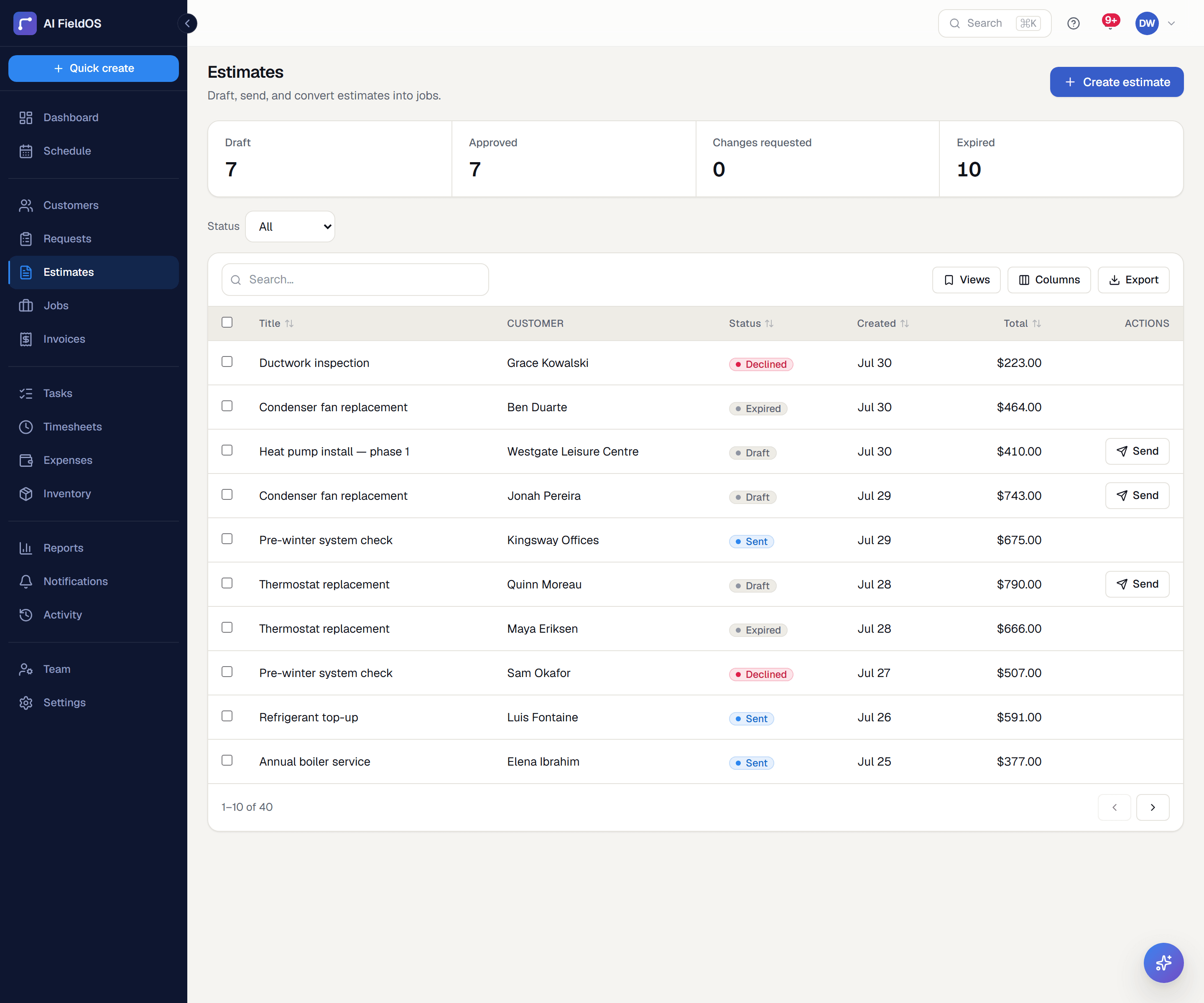
What you get from estimates & quoting
Optional line items the customer picks
Offer the upsell without forcing it. Optional items the customer didn't select are filtered out on conversion, so the job never inherits work nobody agreed to pay for.
One price book behind every quote
Products & Services entries carry a default price, so every estimate pulls from the same catalog instead of everyone typing prices from memory. A line keeps its own copy once picked — later catalog edits never rewrite history.
Follow-up that happens without you
A sent quote sitting unanswered gets one automatic follow-up email after a number of days you set, and can auto-expire on its own deadline with your sales staff notified.
Three steps, start to finish
Build the estimate from your price book, marking any items optional.
Send it — the customer reviews, picks options, and approves online.
Approval converts it to a job, pre-filled and ready to schedule.
Straight answer
What this doesn't do
Every limit below was checked against the code. We'd rather you find them here than three weeks after migrating.
- No good/better/best tiered quoting — optional line items are the mechanism, not three side-by-side packages.
- No customer financing options at the point of quote.
Common questions
Because in field service the work happens in between. The flow is Estimate → Job → Invoice, which is what lets you bill for what was actually done when the scope changed on site.
Ready to run your business on it?
Start a 14-day trial today. No credit card, no sales call, no implementation project.
14 days free · No credit card required · Cancel anytime