Feature · Price book
One set of prices, so nobody quotes from memory.
A shared catalog of your services and materials with default prices, feeding every job, estimate, and invoice — and linking materials to tracked stock so completing work deducts it.
What you get from price book
Stop retyping the same line
Any team member can pull a service or material from the catalog when building a job, estimate, or invoice, instead of typing a description and price from memory each time.
Editing a price doesn't rewrite history
Once a line item is picked from the catalog it keeps its own copy of the description and price. Raising a rate next month never retroactively changes what an old job was quoted at.
Materials that know about stock
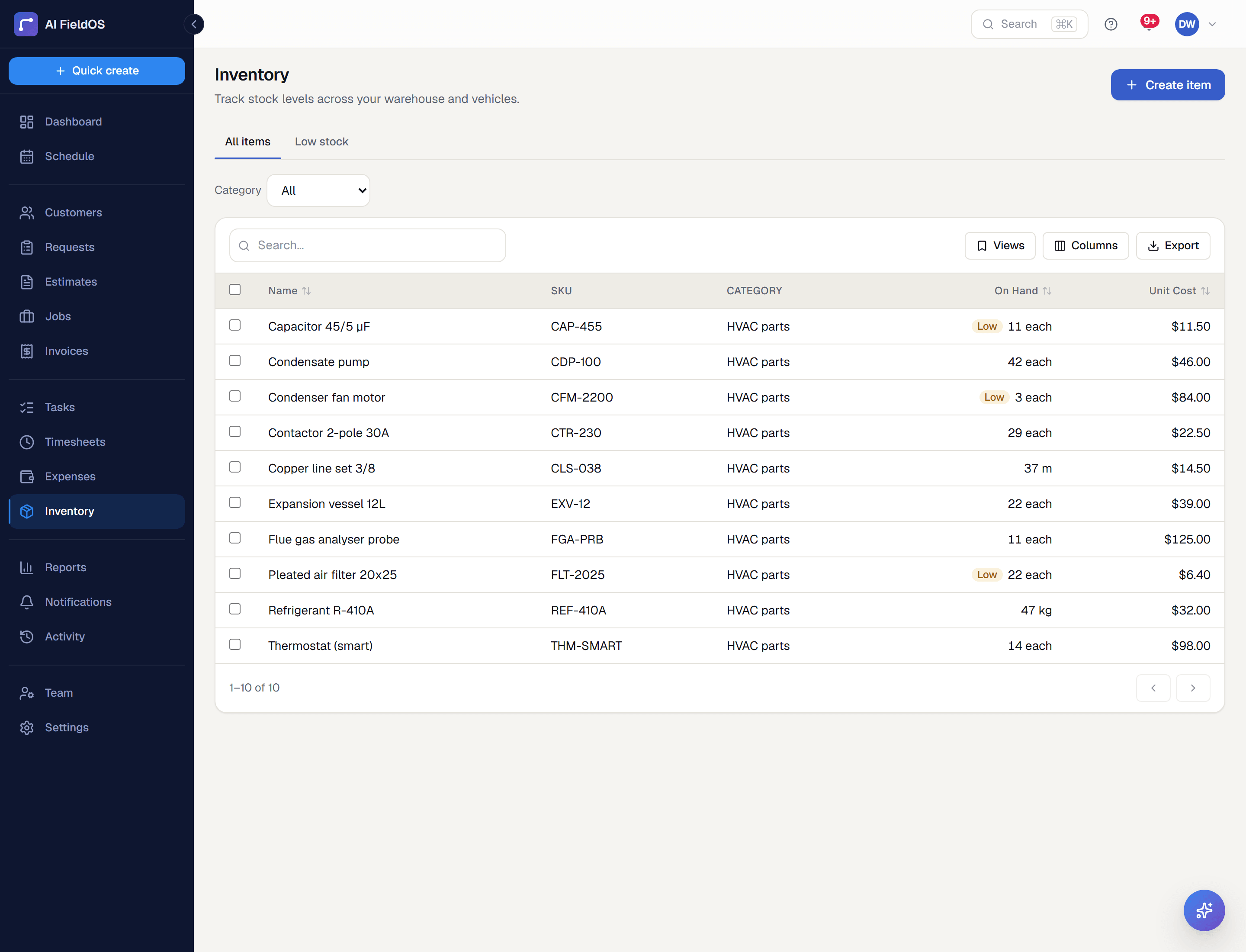
A materials entry can be linked to a tracked inventory item, which is what lets completing a job automatically deduct what it used.
Three steps, start to finish
Build your catalog once in Settings → Products & Services, with a default price per entry.
Everyone pulls lines from it when quoting or invoicing.
Link materials entries to inventory items if you want stock to deduct itself on completion.
Straight answer
What this doesn't do
Every limit below was checked against the code. We'd rather you find them here than three weeks after migrating.
- One price per entry — no customer-specific rate cards or contract pricing tiers.
- No cost-plus or markup rules; a default price is a number you set, not a formula.
Common questions
Browsing it is open to the whole team so anyone can build a line item; adding, editing, or deleting entries needs a management permission.
Ready to run your business on it?
Start a 14-day trial today. No credit card, no sales call, no implementation project.
14 days free · No credit card required · Cancel anytime