Feature · Time tracking
Clock in on the job, not on a spreadsheet.
Technicians clock in and out against a specific job from their phone, log breaks that subtract themselves, and produce labour hours accurate enough to cost the job with.
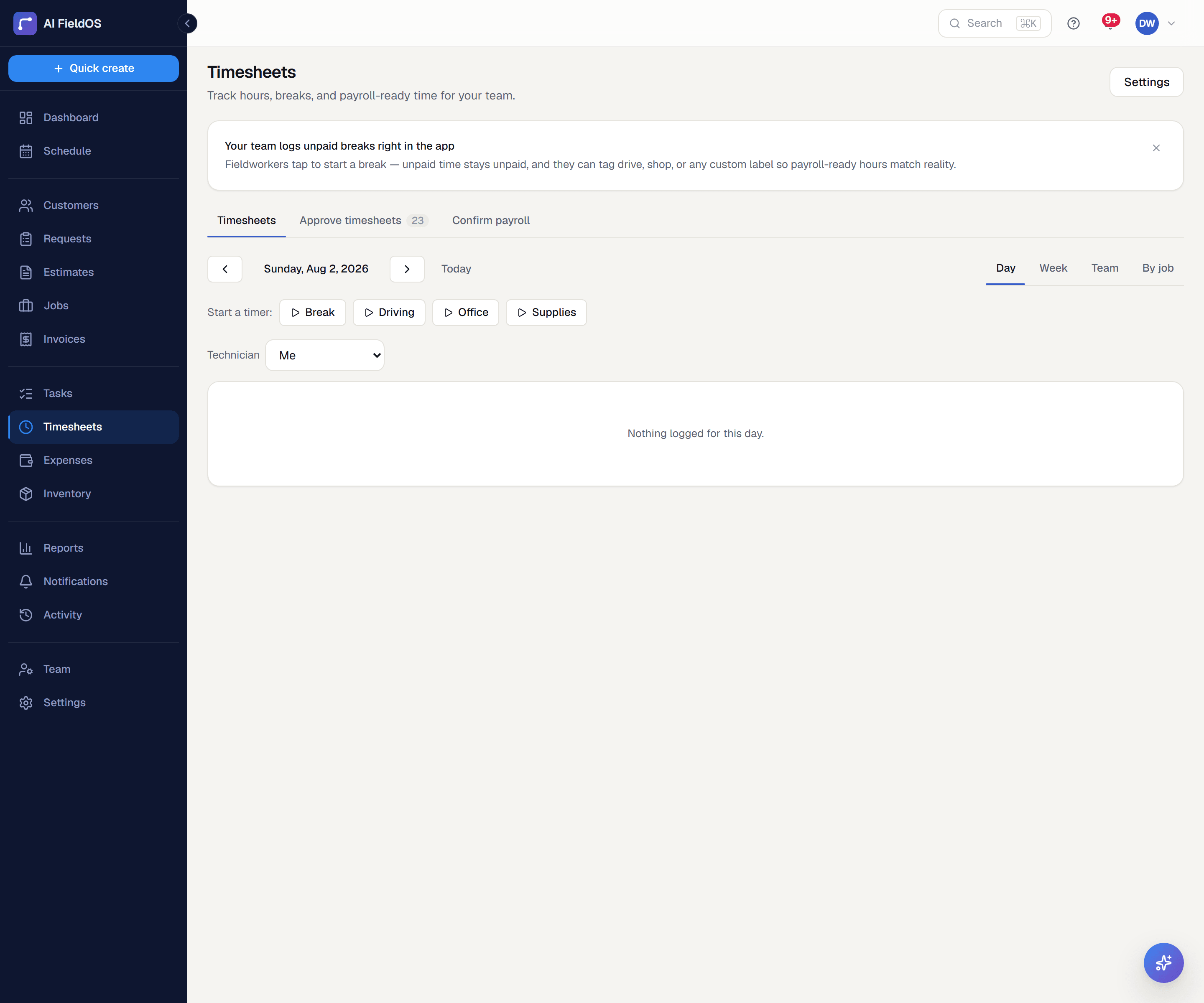
What you get from time tracking
Time attaches to the job
Hours are logged against the job they were worked on, which is what makes labour cost per job a real figure rather than an allocation.
Breaks that do the maths
10-minute, 30-minute, or custom breaks are subtracted automatically before hours are used for payroll costing or customer billing. Nobody nets it out by hand.
One timer at a time
A person can't have two clocks running at once — one job clock-in or one standalone timer, never both. Hours can't silently overlap and inflate.
Three steps, start to finish
The technician clocks in from the job; GPS is captured if the browser or app grants location.
On mobile, a technician can opt into automatic clock-in/out instead: arriving at the job site clocks them in, leaving clocks them out, even with the app closed.
A manual clock-in noticeably away from the job's address flags the office rather than blocking it — GPS drift and legitimate exceptions are real, so this is a heads-up, not a lock.
Breaks are logged as they happen and subtracted from the total.
Hours flow into job costing at that person's rate, and into their timesheet for approval.
Straight answer
What this doesn't do
Every limit below was checked against the code. We'd rather you find them here than three weeks after migrating.
- Automatic geofenced clock-in/out is mobile-only and opt-in per technician; the web app still relies on manual clock-in.
- Location is a point in time, not a tracked route through the day.
Common questions
No — only the assigned technician can clock into their own job.
Ready to run your business on it?
Start a 14-day trial today. No credit card, no sales call, no implementation project.
14 days free · No credit card required · Cancel anytime